


Take selfies as
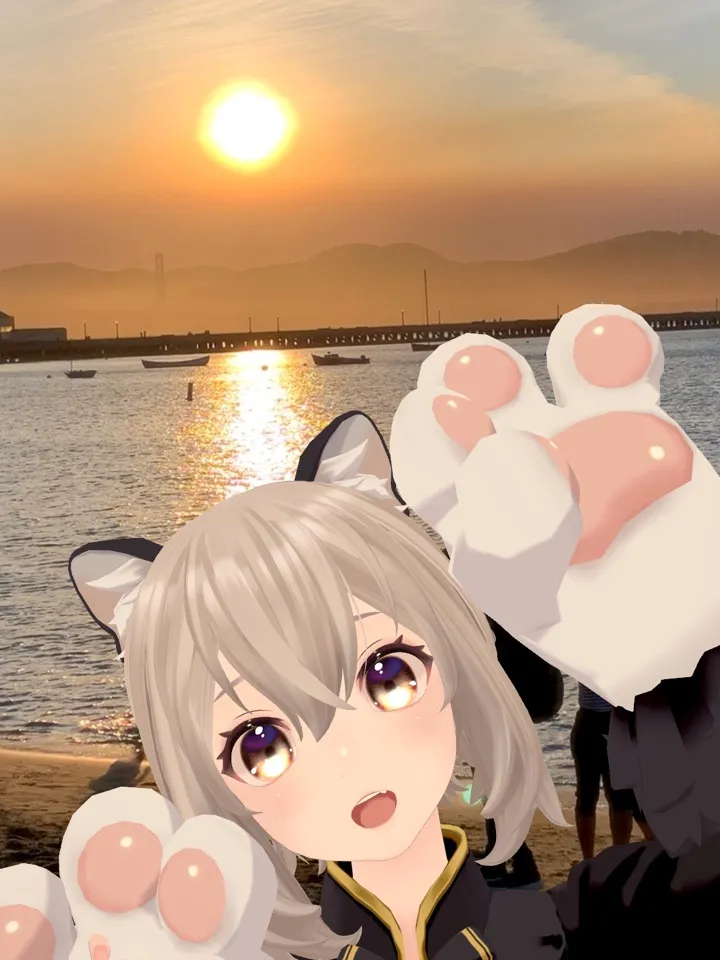
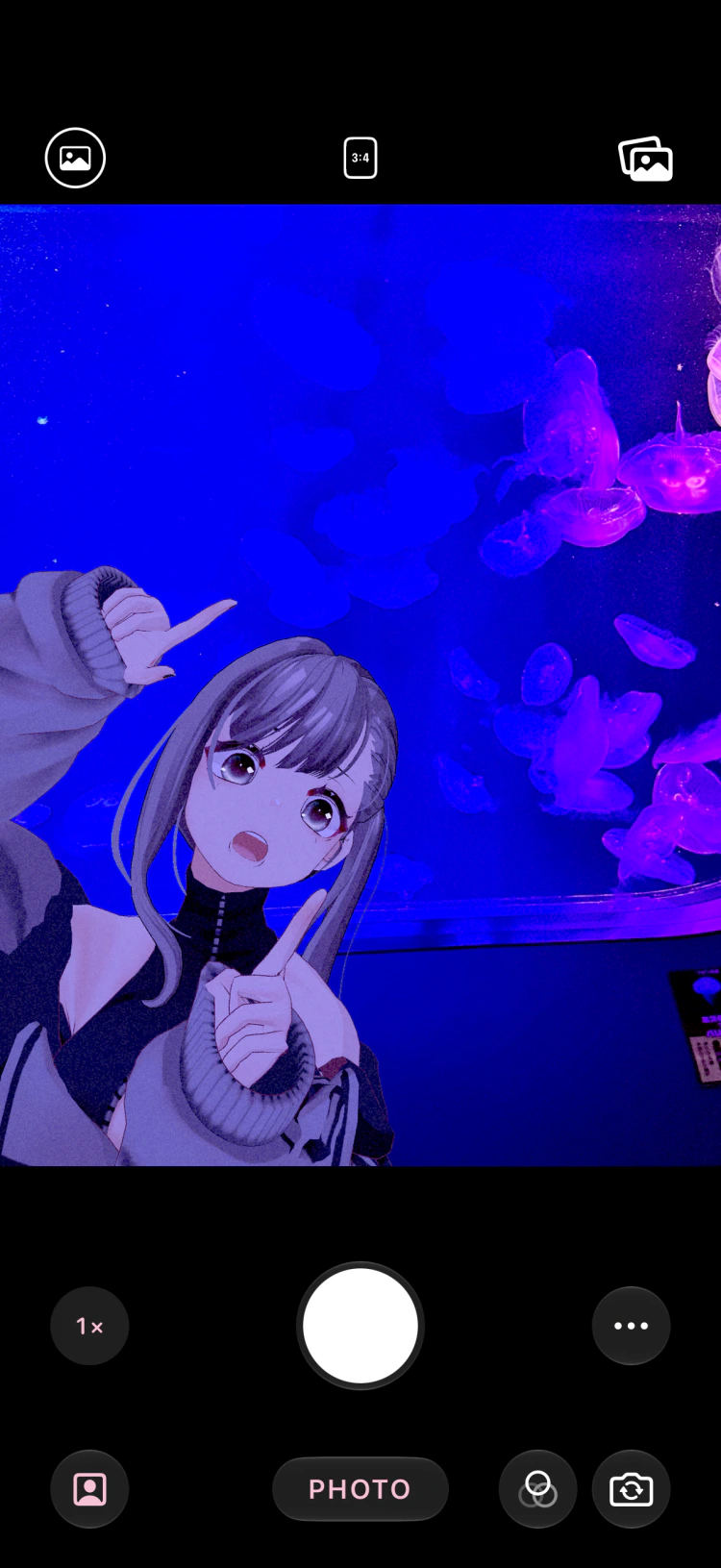
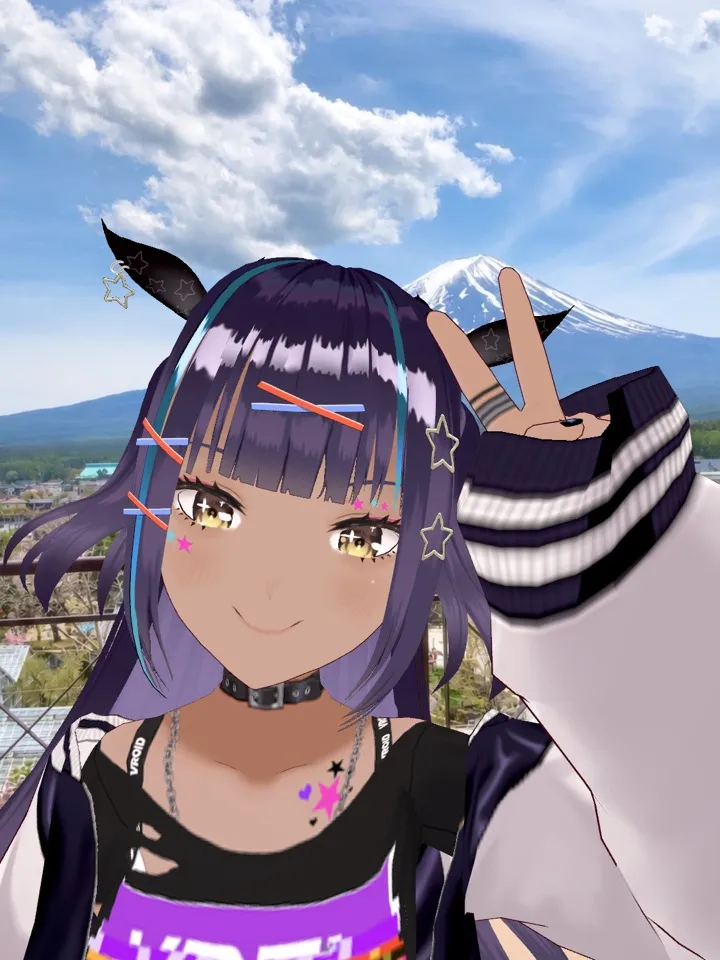
Smile at the camera or move your hands, and your avatar mirrors you in real time.

Your VRM, Right Away
Supports VRM 0.x and 1.0. Add a model from your files, AirDrop, or by sharing from another app, or pick one directly from VRoid Hub. Avatars set up for VRChat work too, once exported to VRM with the free VCam Avatar Exporter.
Even from a Single Illustration
Choose an image and it is cut out automatically and follows your head as you move. Great for plushies and acrylic stands too.
Shoot Later in Your Photos
Use a photo or video you already took as the background and composite your avatar into it afterwards. Your travel shots work too.
Three Ways to Shoot
Snap
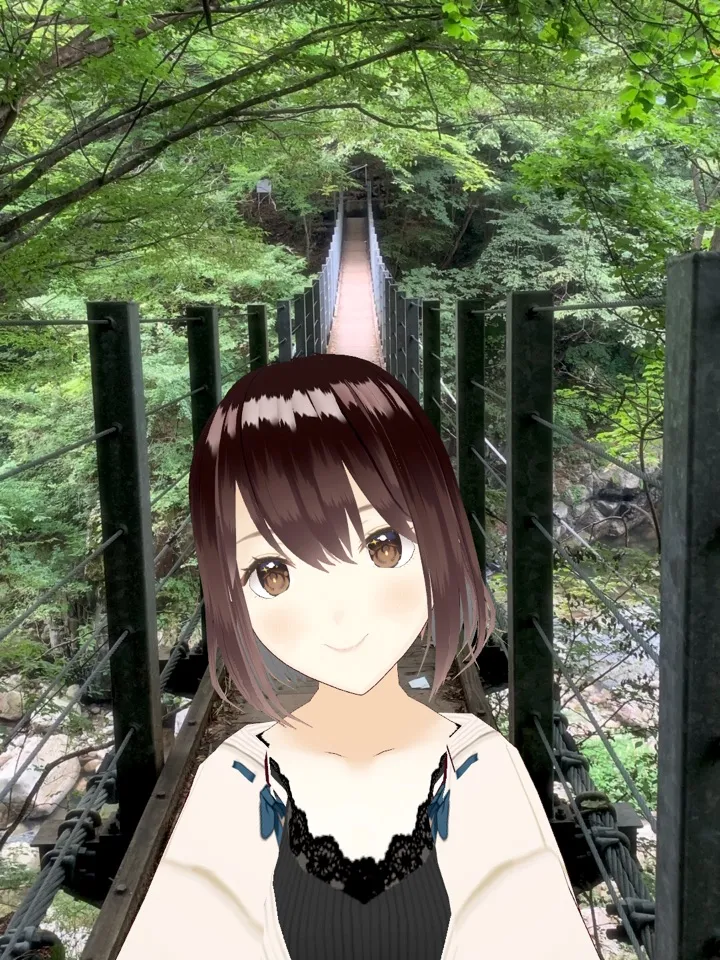
Shoot like a regular camera. With the front camera, your avatar stands in for you and you are automatically hidden from the background. With the back camera, your avatar appears in the scene in front of you.
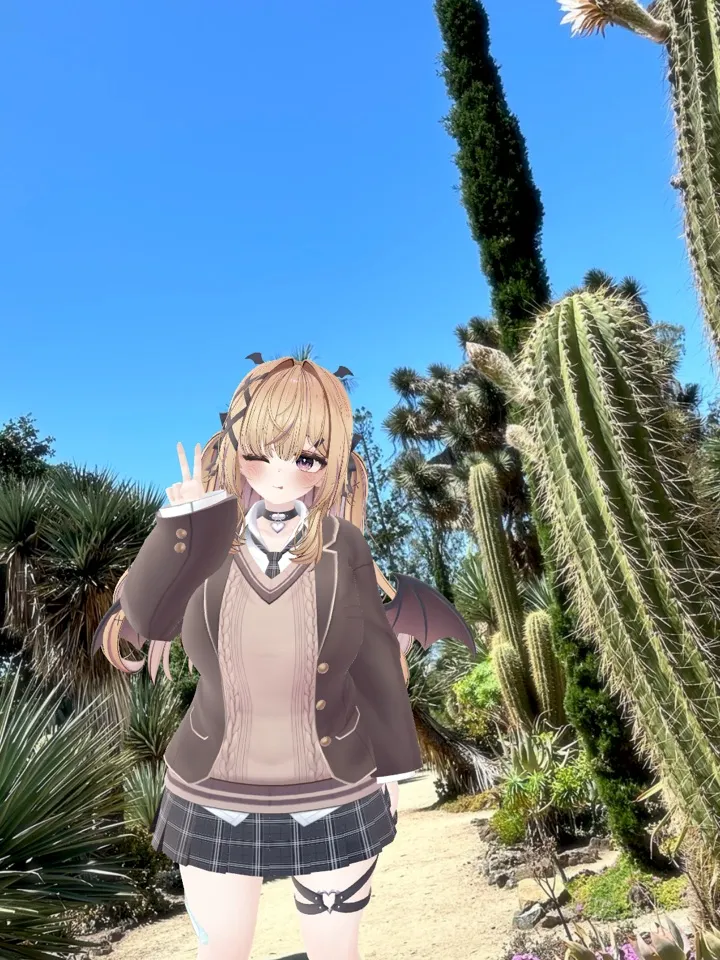
AR Camera
Place your avatar in the real world and walk around to shoot from any angle. It casts a shadow on the floor and can hide behind people. It can even walk along with you.
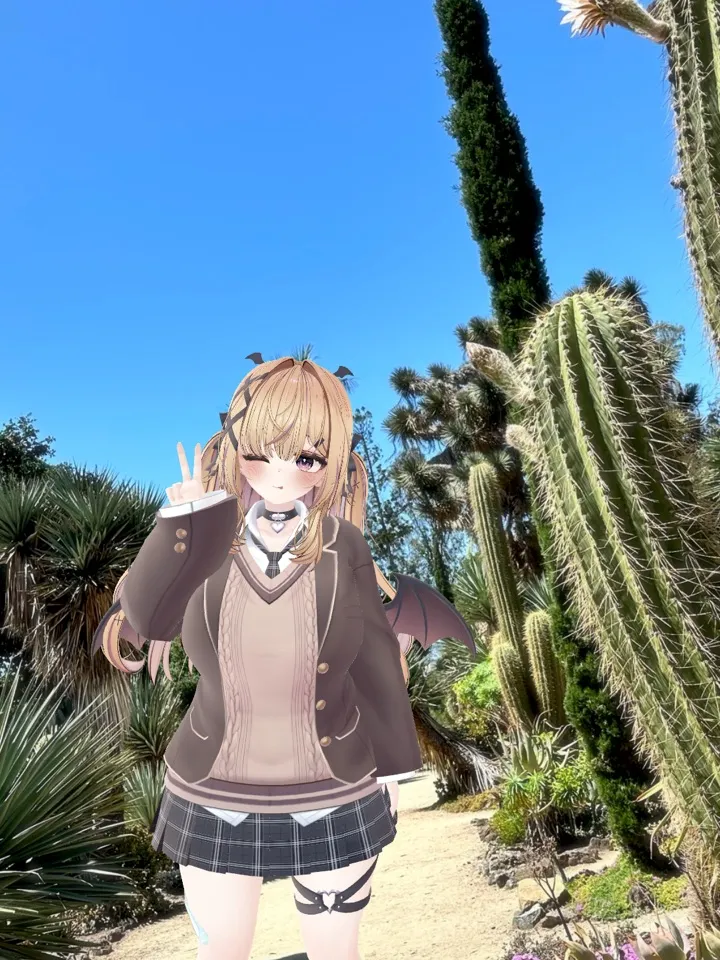
Studio
Place avatars at any position and size. Drag their arms and legs to create any pose. Line up several avatars while tracking still brings their expressions to life.
Finished the Moment
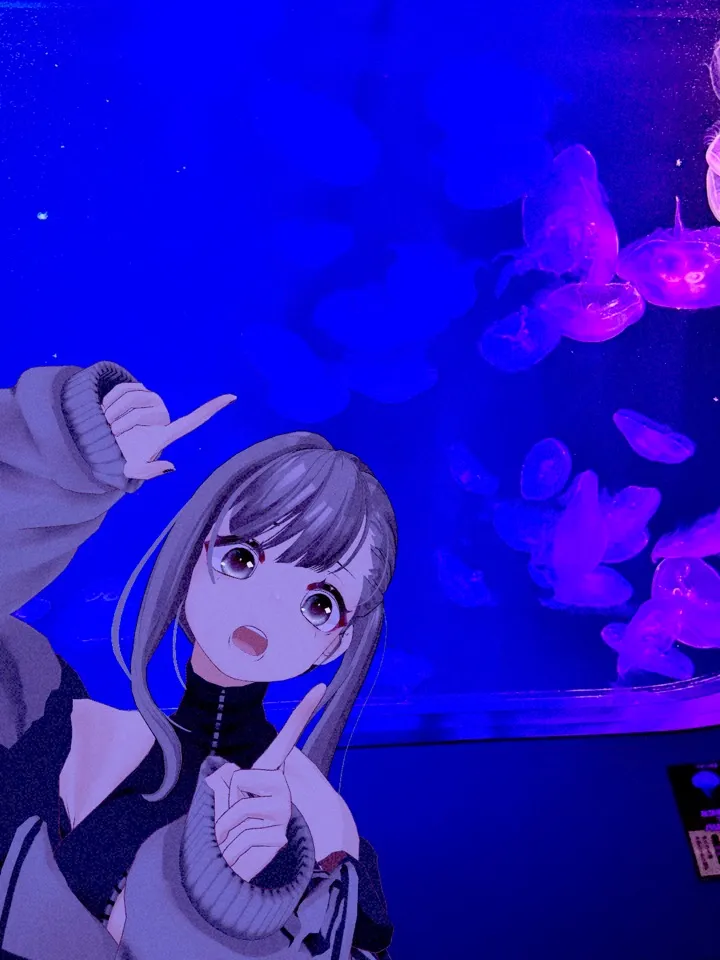
Camera Styles
Clean, CCD, Film, Instant, Dream, and Night. Plus the Light pack with backlight and neon, and the Y2K pack with the look of early-2000s digital cameras.
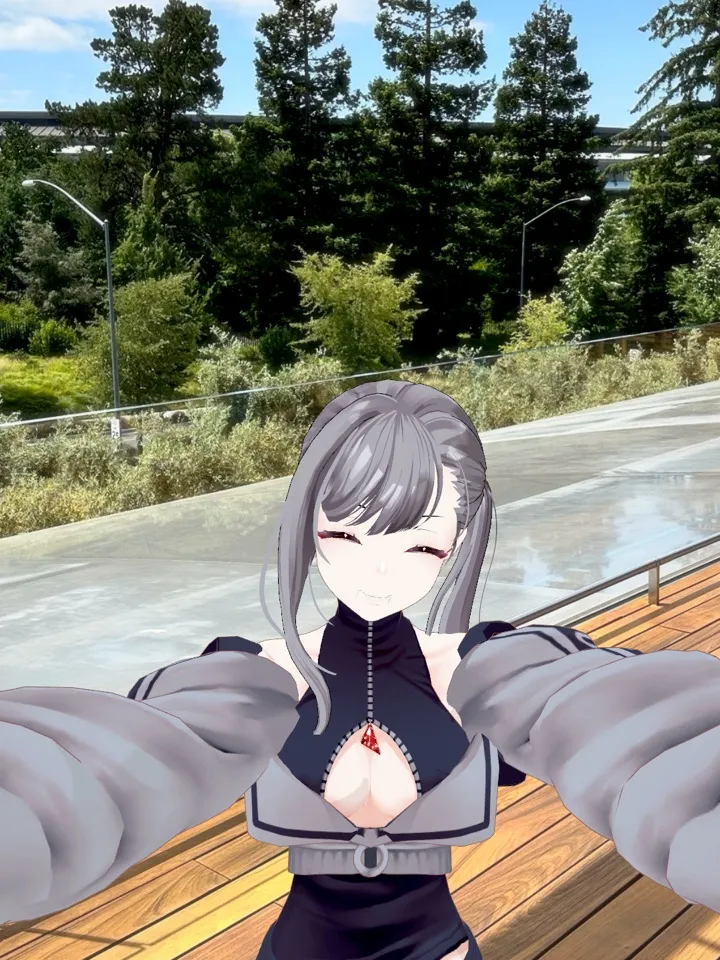
Poses and Expressions
Peace, cat paws, and more with one tap. Motions like waving are great for video. You can also bring in your own poses (VRMA).
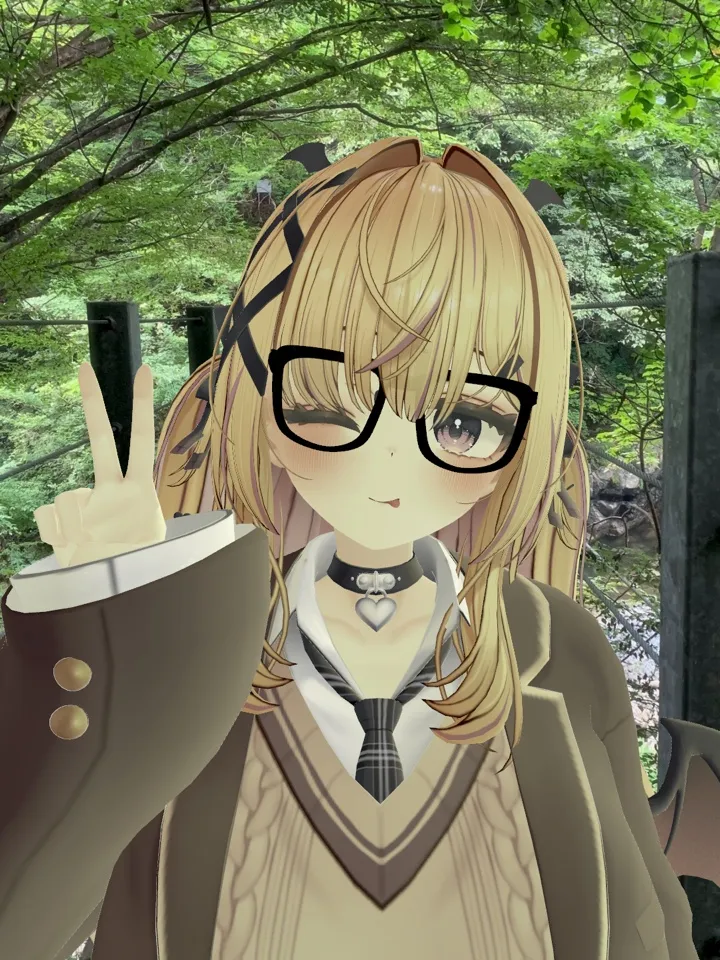
Accessories
Glasses, sunglasses, caps, a black cat headband, and more. You can also bring in your own accessories (GLB / FBX).
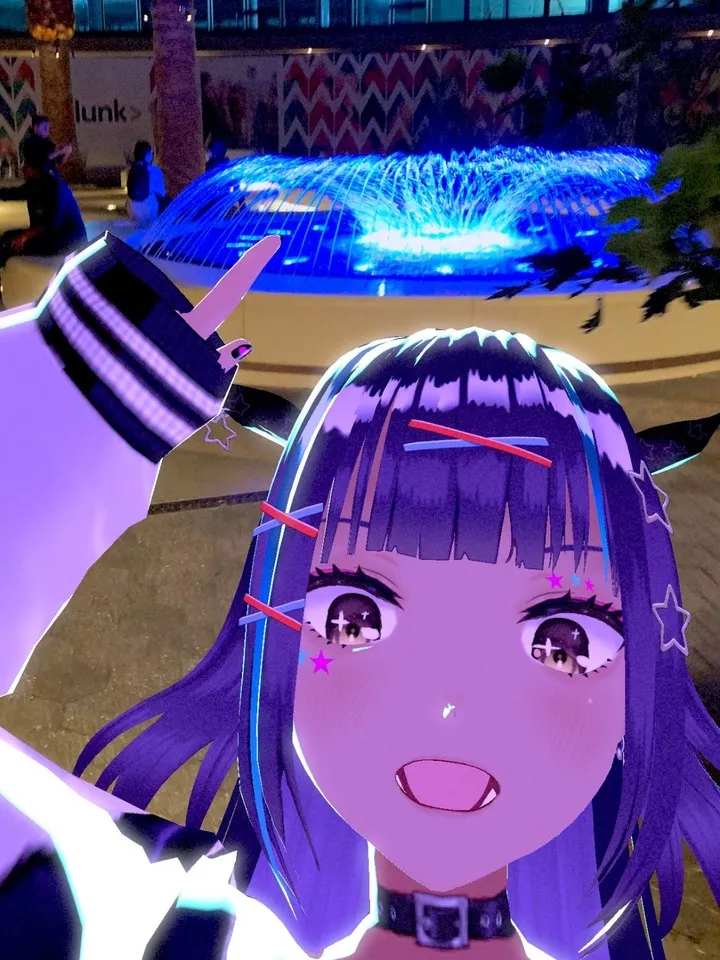
Lighting
Set the light direction, brightness, warmth, and shadow with your finger, or let it match the light in your background automatically.
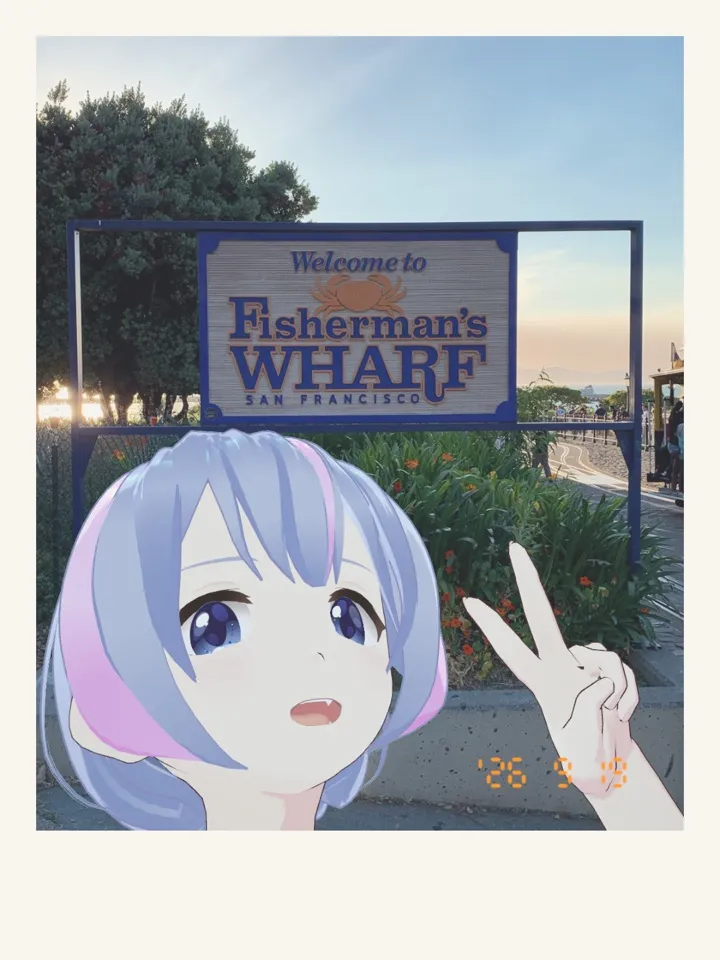
Frames, Date, and Signature
Ready to post as it is.
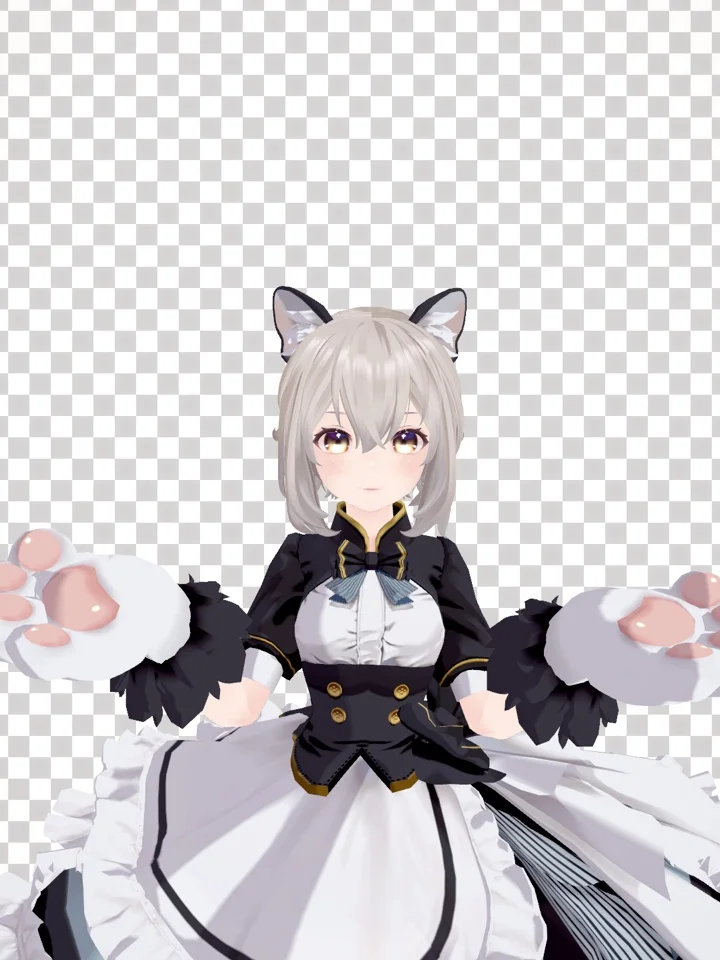
Backgrounds
The real camera, blur, a photo or video, a solid color, or a transparent background.
Shot with VCam Camera
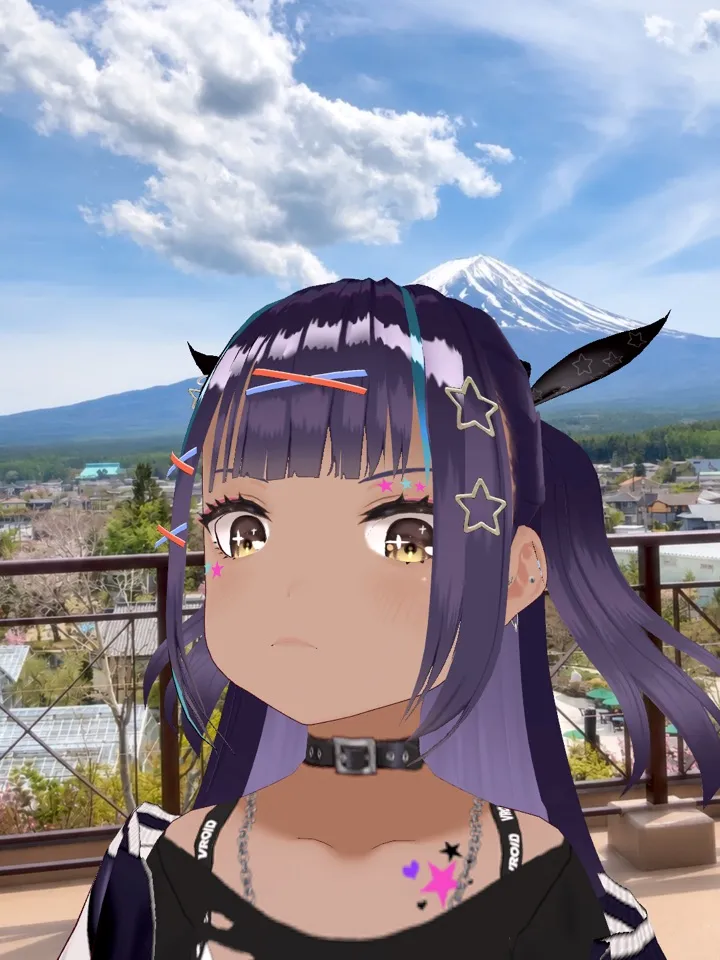
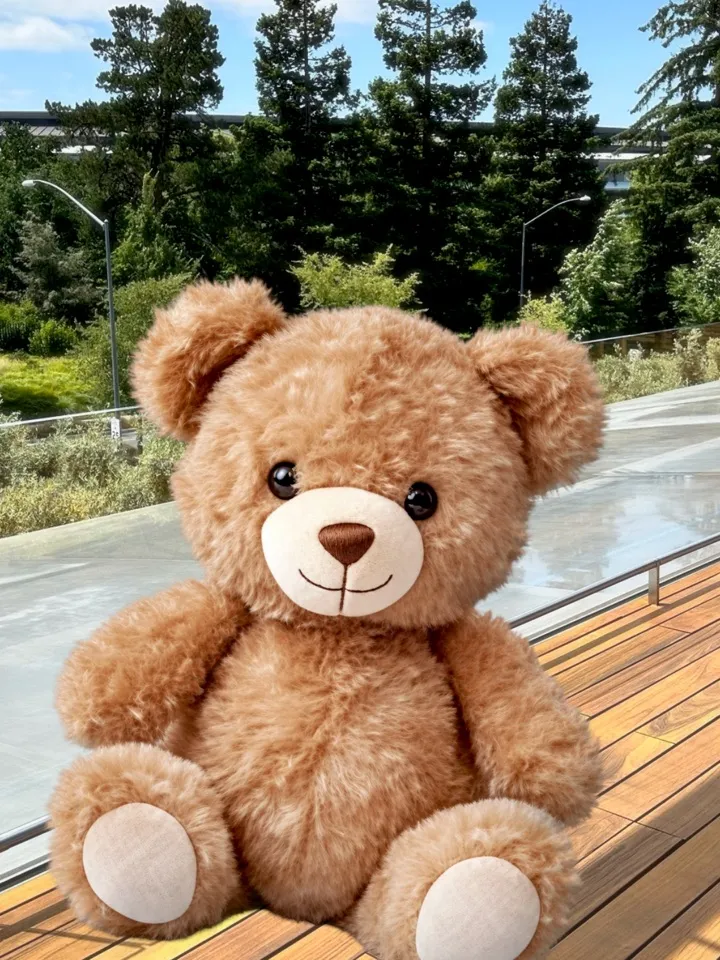
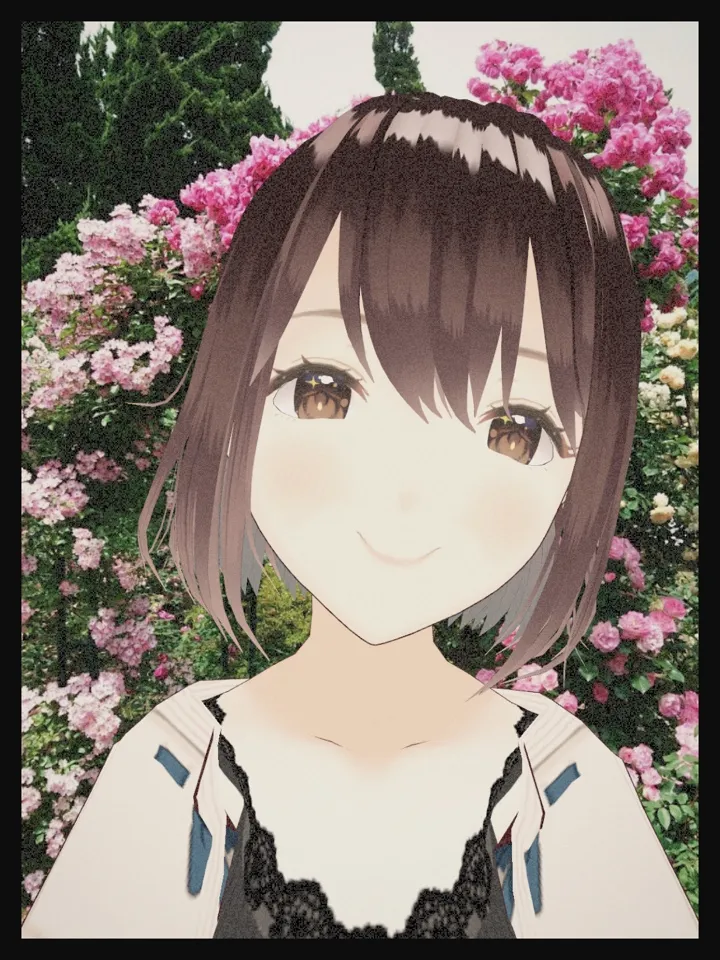
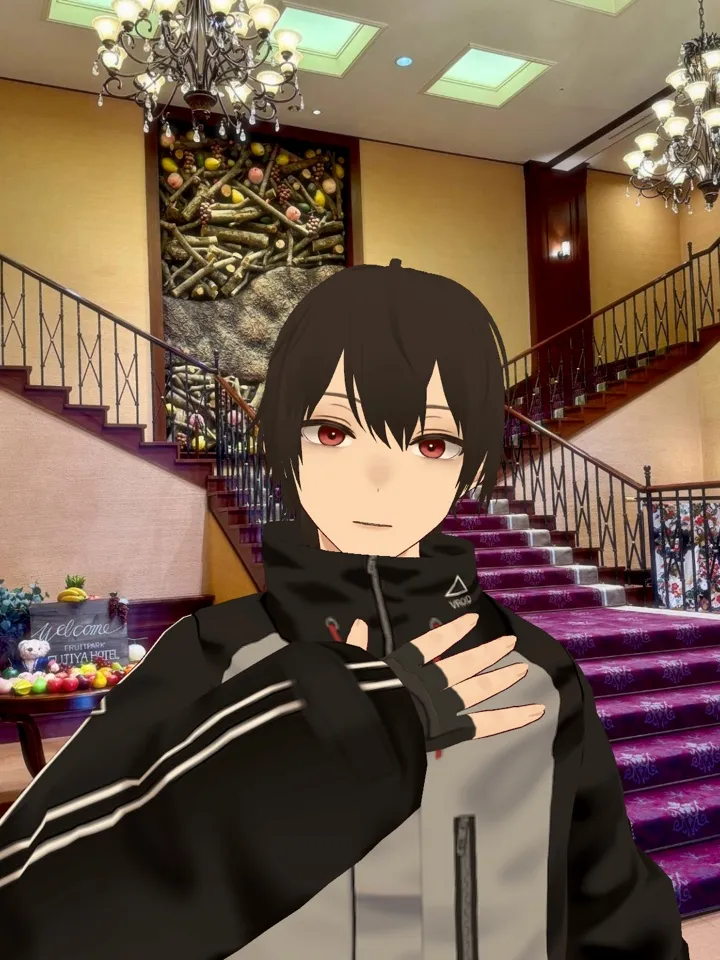
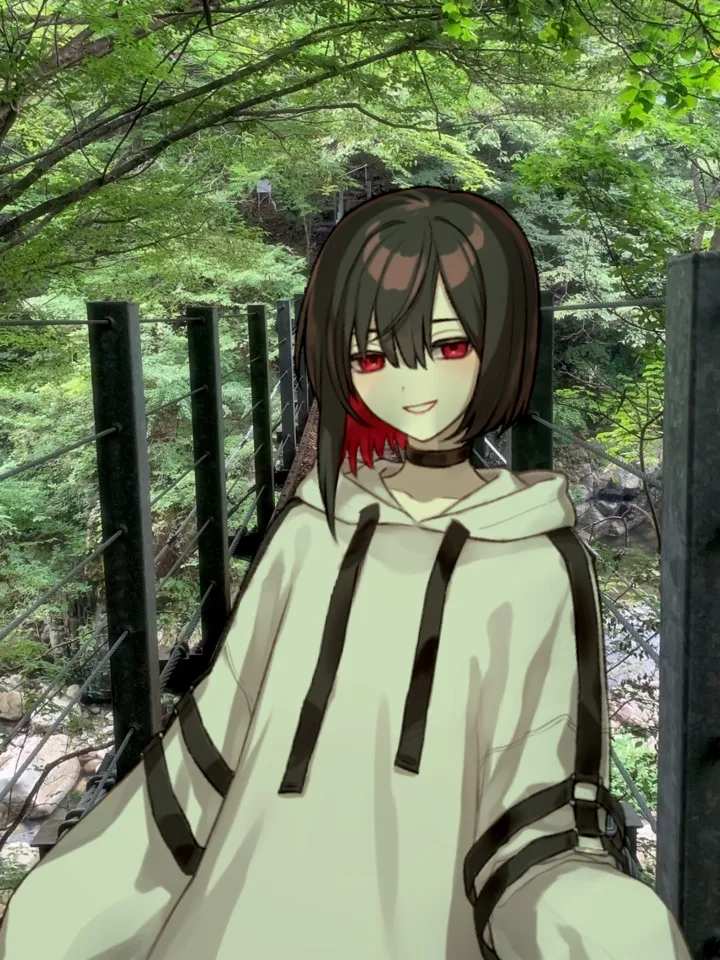
Share your shots on social media with #VCamCamera. We may feature some of our favorites on this page.
Photo and Video
- Photos in 9:16, 3:4, 1:1, or 16:9. Hold your phone sideways for landscape shots
- High-resolution photos and 60 fps video
- Video with sound, with styles applied live
- Self-timer, grid, and level
- Zoom, flash, and focus and exposure by tap
- Shoot with the volume buttons or Camera Control
Requirements
iPhone & iPad: iOS 26 / iPadOS 26 or later
Android: Android 12 or later (64-bit devices with Vulkan 1.1)
※ Shooting with the back camera requires a device that can use the front and back cameras at the same time.
※ On Android, the AR camera is available on ARCore-supported devices.
※ To hide your avatar behind real-world objects with the AR camera, you need an iPhone or iPad with LiDAR, or an Android device that supports depth.
Start Shooting
Point the camera, smile, and shoot.