

VCam Mocap
High-Precision Motion Capture with iPhone
It works with VCam, VCam2D, and VMC Protocol apps to deliver accurate and stable tracking.
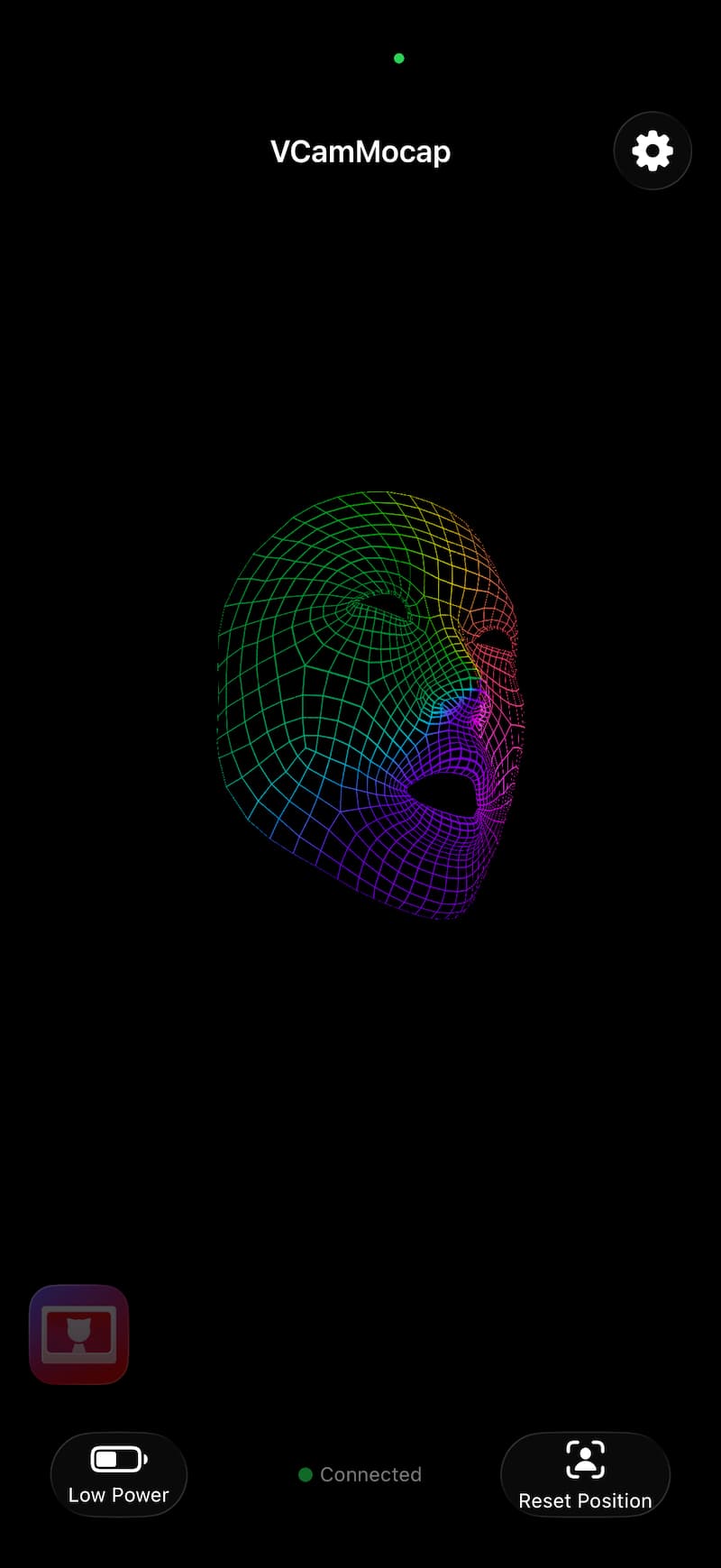
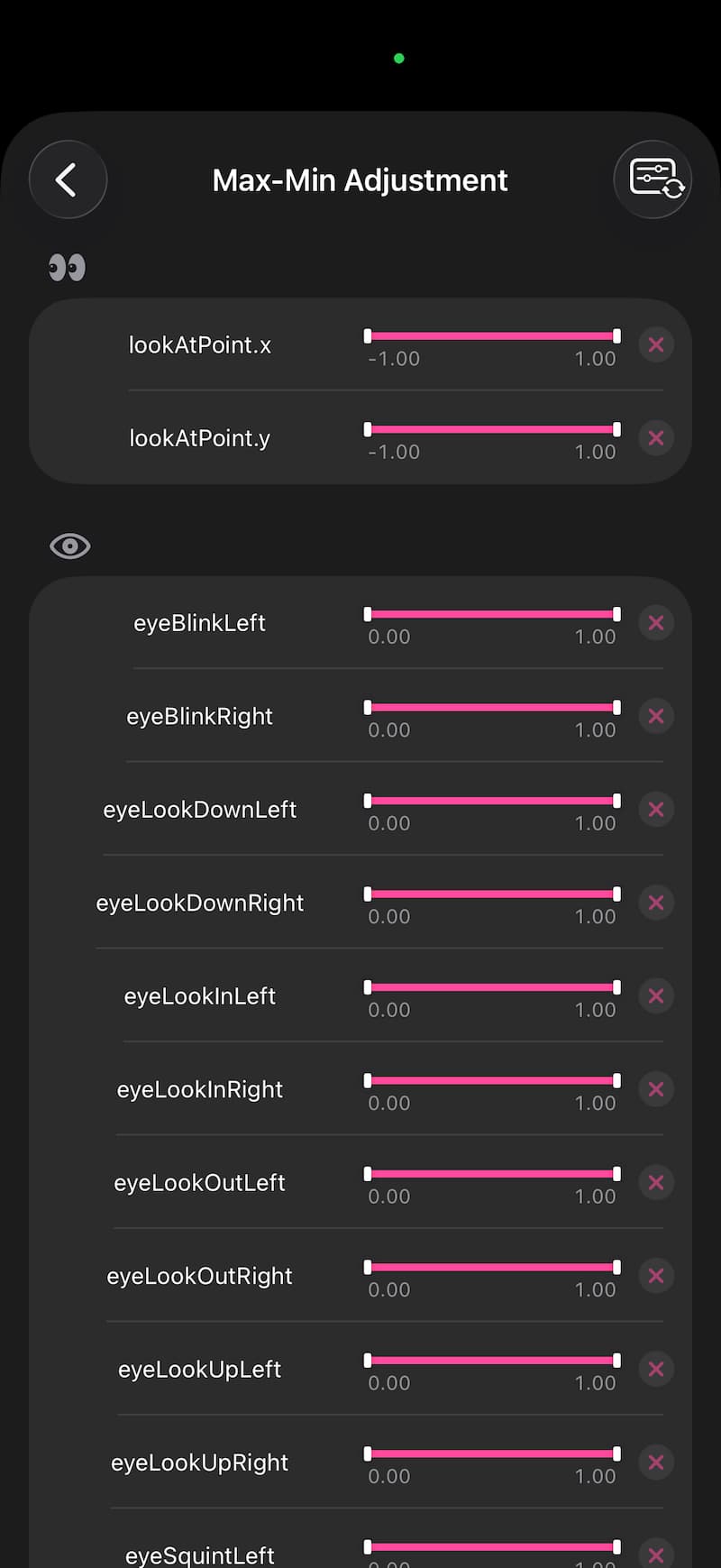
High-Precision Tracking with ARKit
Using iPhone's TrueDepth camera and ARKit, it stably tracks detailed expressions such as blinks, gaze, mouth, brows, and cheeks. It also captures your hands and fingers.
Significantly Reduce Mac Load
By offloading all tracking processing to iPhone, Mac's load is reduced by over 20%. VCam runs smoothly even on lower-spec Macs.
Easy Setup
Just launch VCam Mocap and VCam, then connect to the same Wi-Fi. Integration complete in just a few taps!
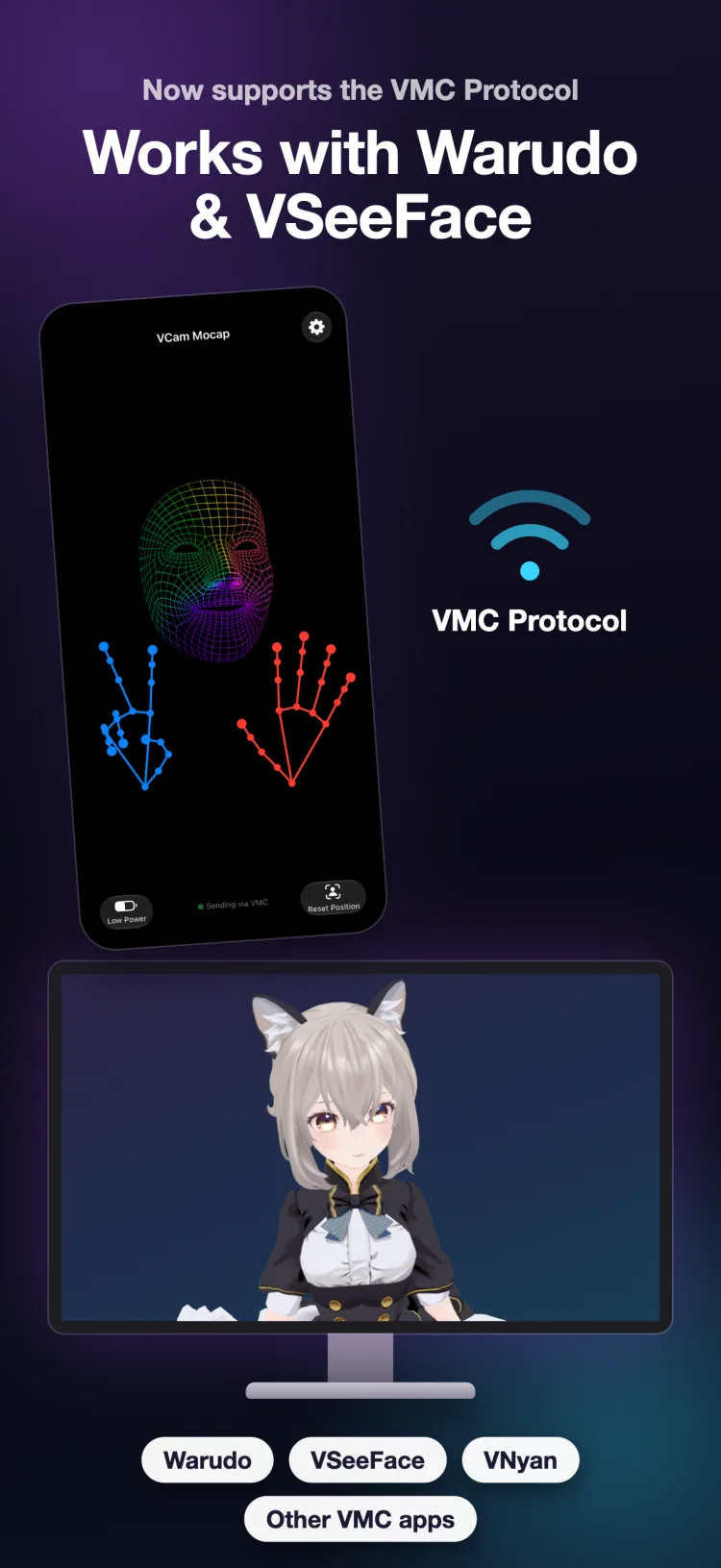
VMC Protocol Support
Use it not only with VCam but also with PC apps such as Warudo and VSeeFace.
- Send your face, hand, and finger movements to VMC Protocol apps on your PC, such as Warudo, VSeeFace, and VNyan
- Just set "Output" to "VMC Protocol" in Settings and enter your PC's IP address and the receiving app's port
- Load the same VRM as the receiving app to match your avatar's build and expressions
- Your body and arms follow your head naturally, with adjustable body follow-through, shoulder rotation, and elbows
- Full-body tracking (experimental): also estimates your torso, arms, and legs and sends them. Stand about 2–3 m from the front camera so your whole body is in view
※ Sending arms, fingers, and the full body requires iOS 26 or later.
How to Use with VCam
Launch Apps
Launch VCam Mocap (iPhone) and VCam (Mac).
Enable Integration
Open the "Integration" menu in VCam and check "VCam Mocap".
Switch Tracking
In VCam's "Tracking" menu, switch face and hand tracking to VCam Mocap.
Done!
That's all you need for high-precision tracking.
※ iPhone and Mac must be connected to the same Wi-Fi with mDNS communication enabled.
※ iPhone and Mac can also be connected wirelessly.
Useful Features
Low Power Mode
Tap the app screen to turn off display processing and reduce iPhone's load by 10-15%.
Reset Position
Resets the avatar's face to front based on current iPhone position. Useful when you can't place iPhone directly in front of your face.
Parameter Adjustment
Fine-tune the weight and range of each expression. Customize the movements to your preference.
Automatic Heat Management
When your iPhone heats up, it automatically lowers the camera frame rate and how often hands and the full body are detected, and switches to Low Power mode. You can also cap the camera at 30 fps in Settings to reduce the load.
Supported Devices
VCam or VCam2D on your Mac, or a VMC Protocol app on your PC
iPhone/iPad with an A12 chip or later
iOS 18 or later
※ Sending arms, fingers, and the full body requires iOS 26 or later.
Get Started
Experience high-precision motion capture with VCam Mocap.
Try every feature for free. Purchase Pro (one-time) to remove the time limit.